Usage Quota
API Governance using Quota
Quota Configuration
The quota system requires at least three configuration blocks :
1.A redis entry with the connection details at the extra_config of the service level
2.A governance/processors entry that defines the global declaration of quota processors that are responsible for keeping track of counters and rejecting requests.
3.A governance/quota entry that attaches a processor and enforces the quota. You can attach this namespace to the service (root of the configuration), or inside endpoints and backends.
Redis connection details
Step 1: Create Redis Connection pool previous we have seen go to service settings click on redis connection pool their you can see below provided fields.
Redis connection pools and clusters are fully explained in the Redis Connection Pool section. Visit the link for more parameters and customization. What is important here is that the name you choose here, which is internal for KrakenD and can be anything human-readable for you.
#### Global declaration of quota processors
The second thing you need at the service level is to define a processor of quota.
Step 2: Click on Gateways open API Monetization enable the Goverance Processors then you can see the fields
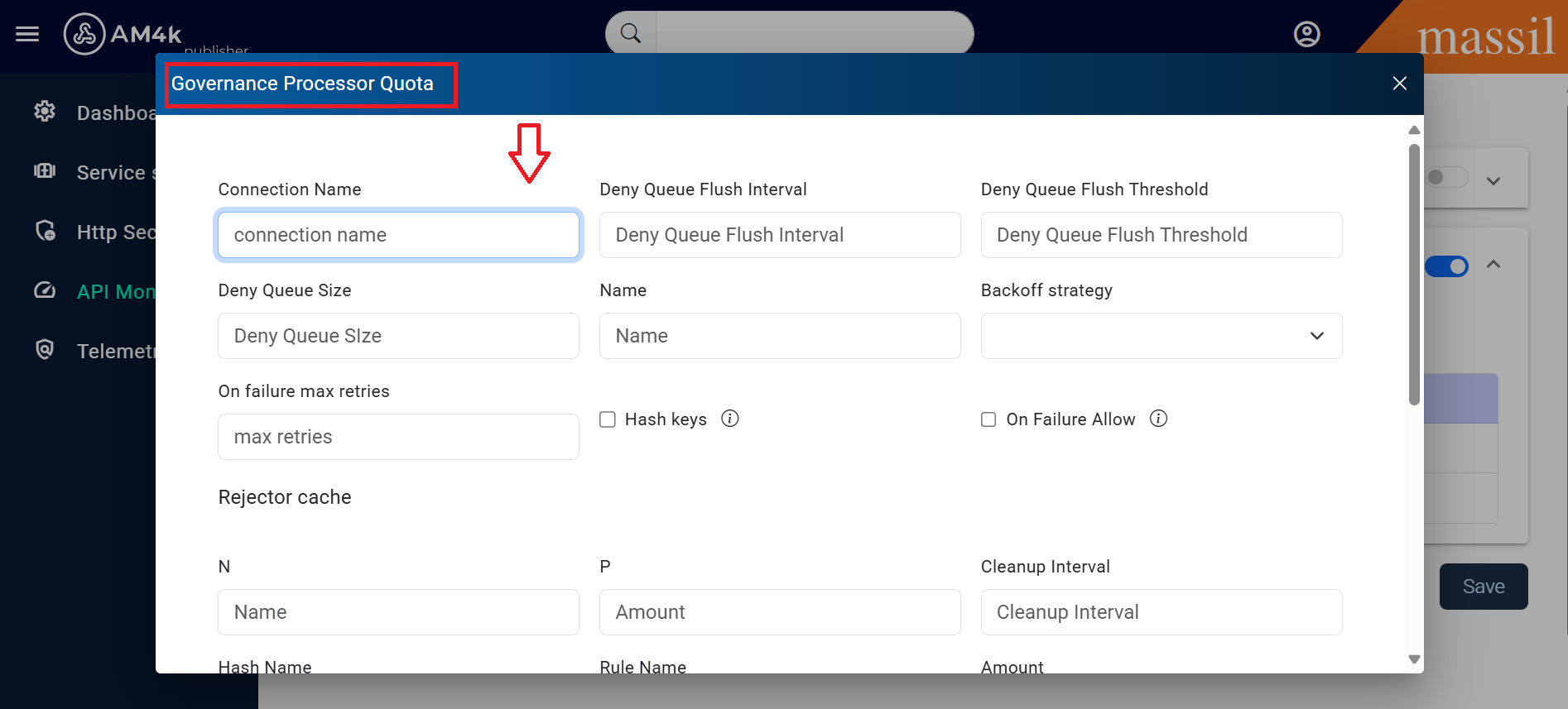
 connection_name
 hash_keys
 on_failure_allow
 rejecter_cache
 Hash Name
 Rule Name
 Amount
 deny_queue_flush_interval
 deny_queue_flush_threshold
 deny_queue_size
 on_failure_backoff_strategy
 on_failure_max_retries
 rejecter_cache
 cleanup_interval
 hash_name
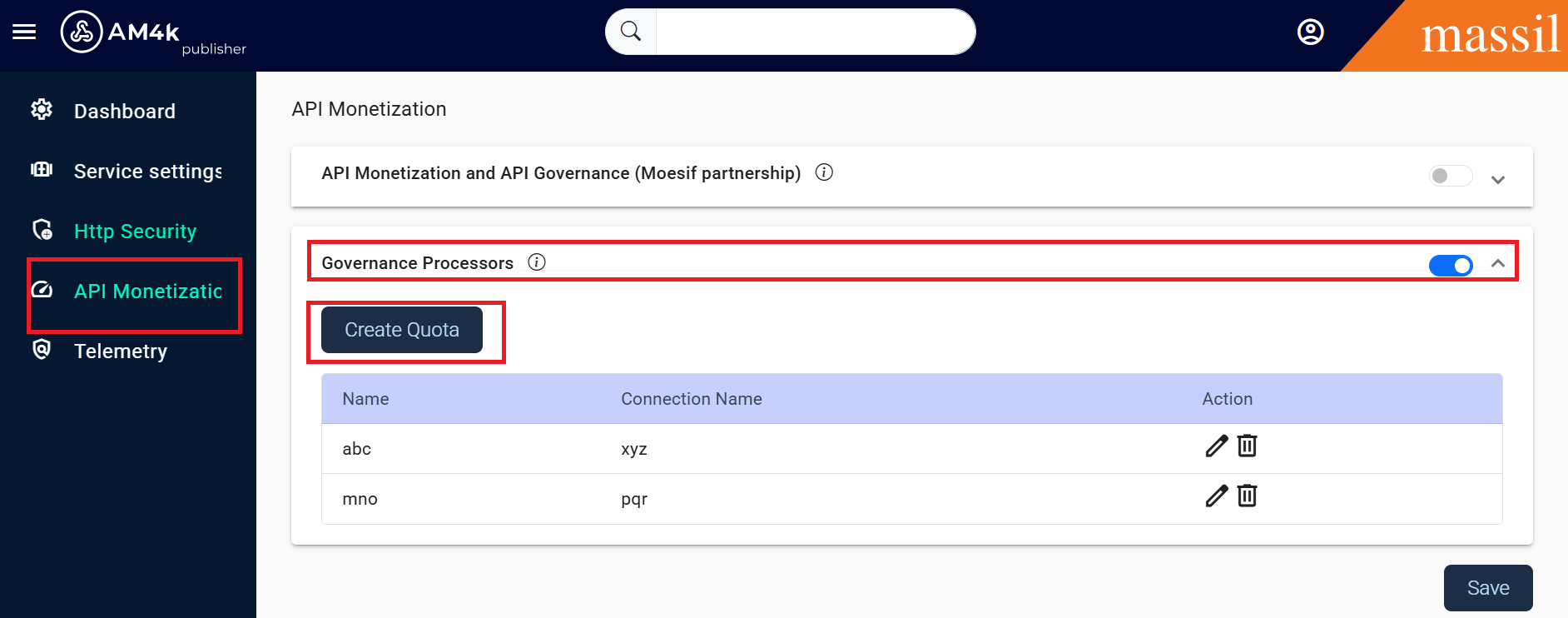
Step 2: Click on Create Quota then you will see fields
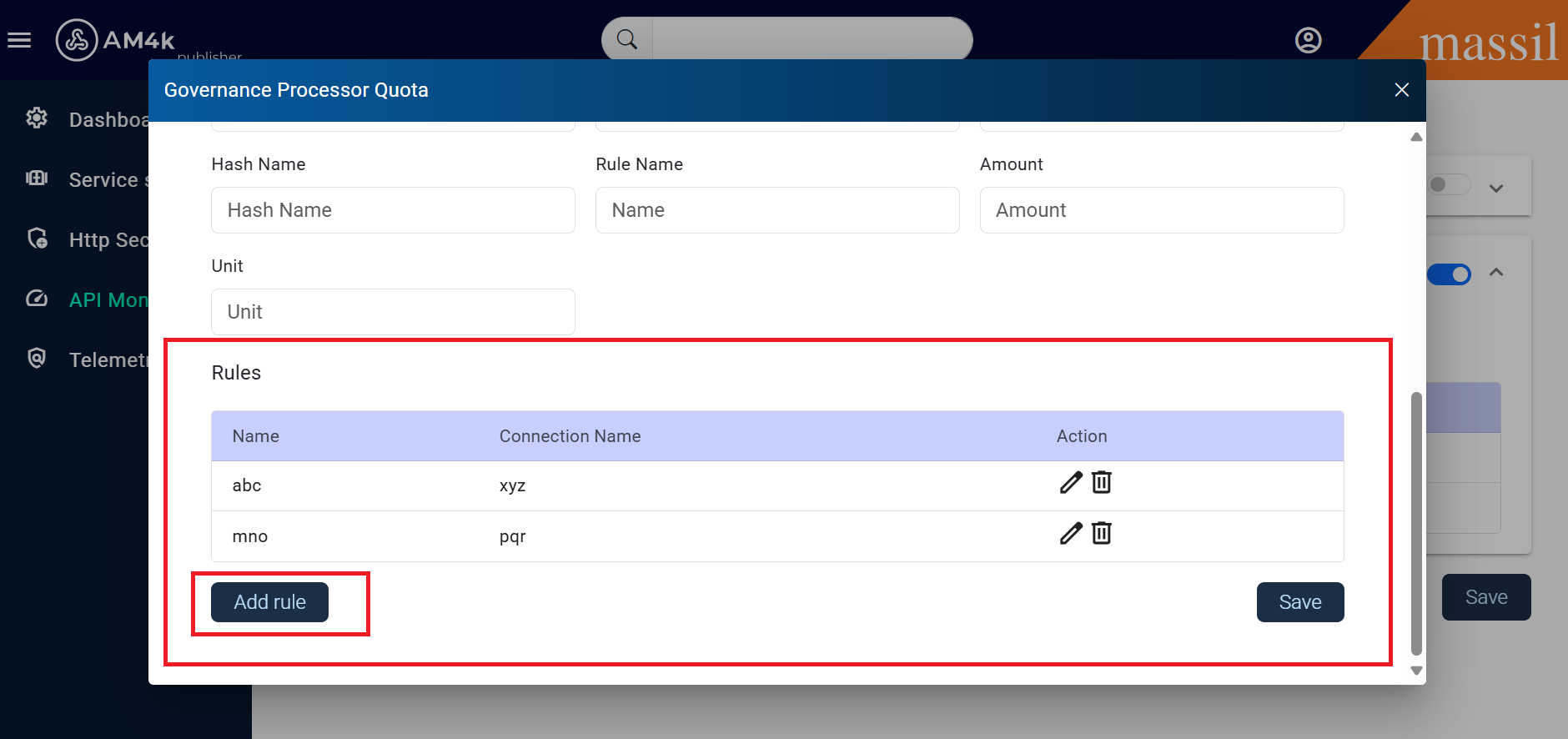
Attach a quota
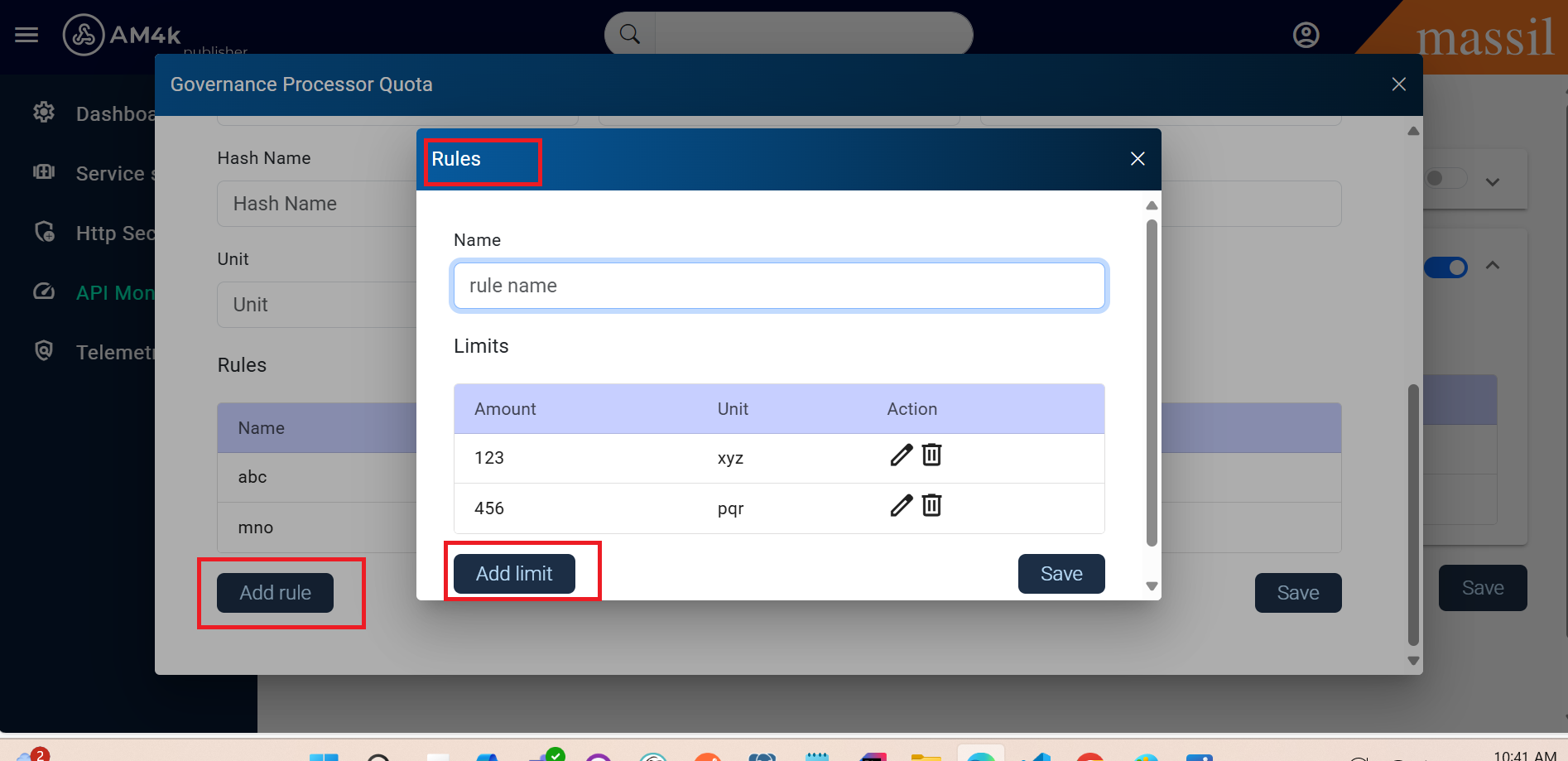
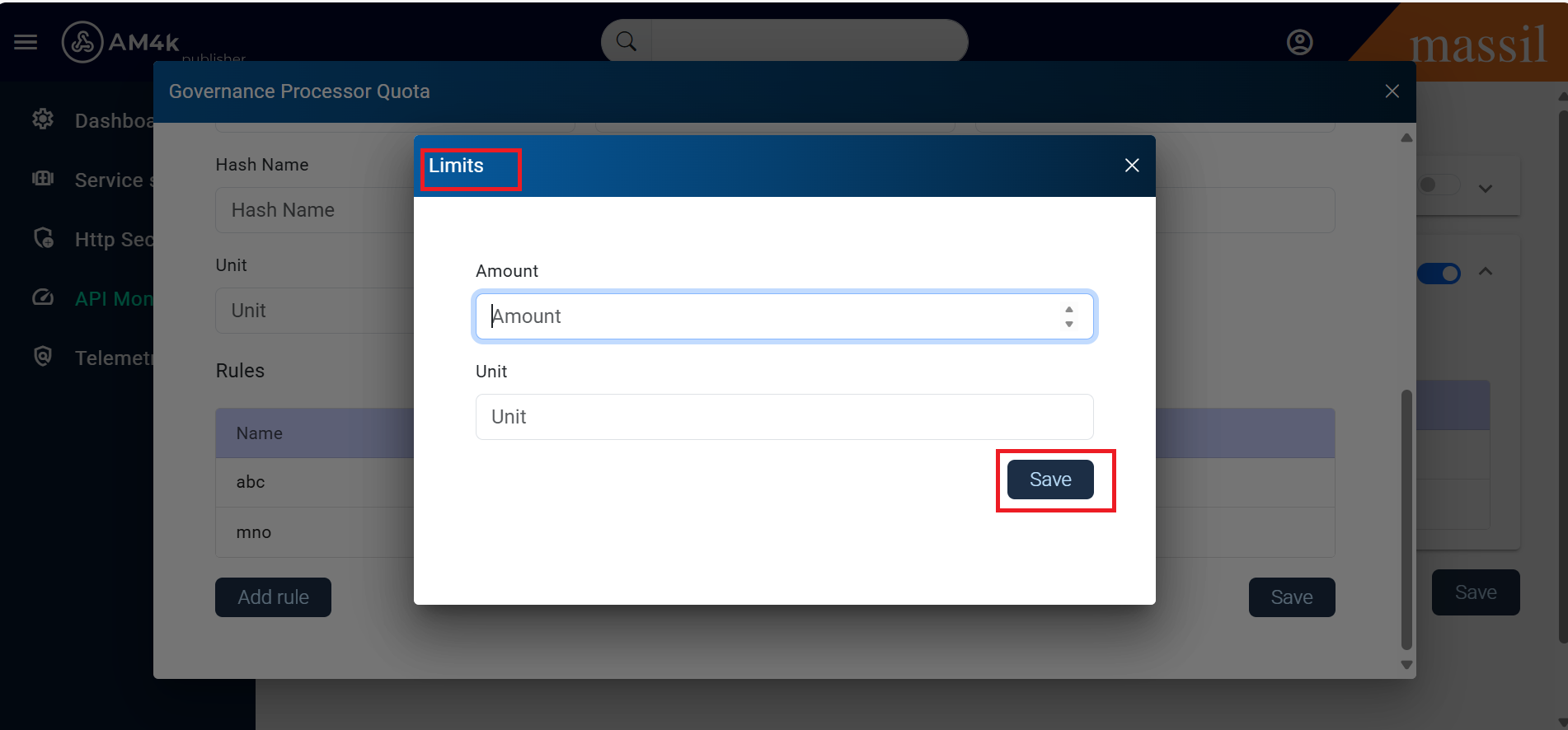
Step 3: Click on Add rule you can see Name and Limits click on Add limit you will see the limit fileds such as Amount and Unit