Open Telemetry
Telemetry and Monitoring through OpenTelemetry
OpenTelemetry Configuration
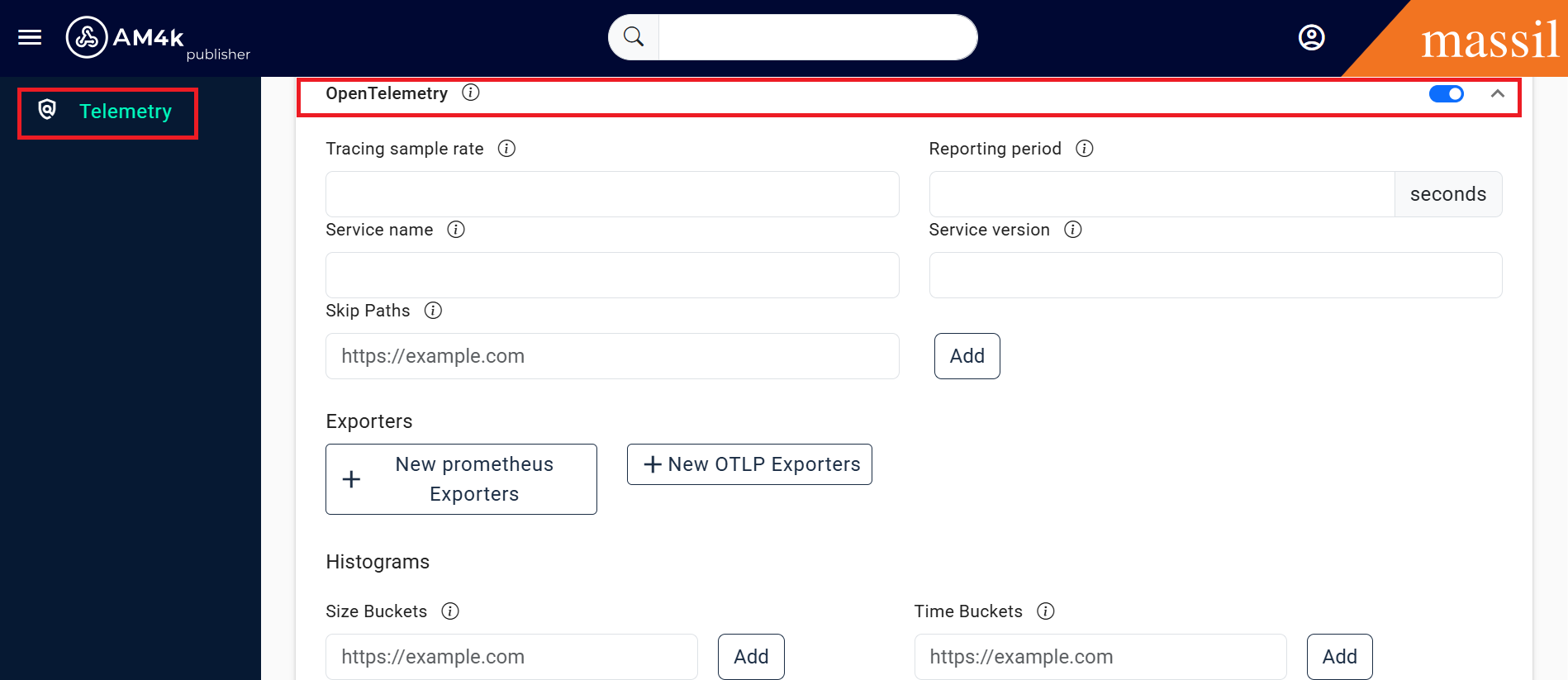
Step 1 : Click on gateways open telemetry enable OpenTelemetry then you can see below provided fields
Fields of OpenTelemetry

deploy_env
otlp
custom_metric_reporting_period
disable_metrics
disable_traces
use_http
custom_metric_reporting_period
disable_metrics
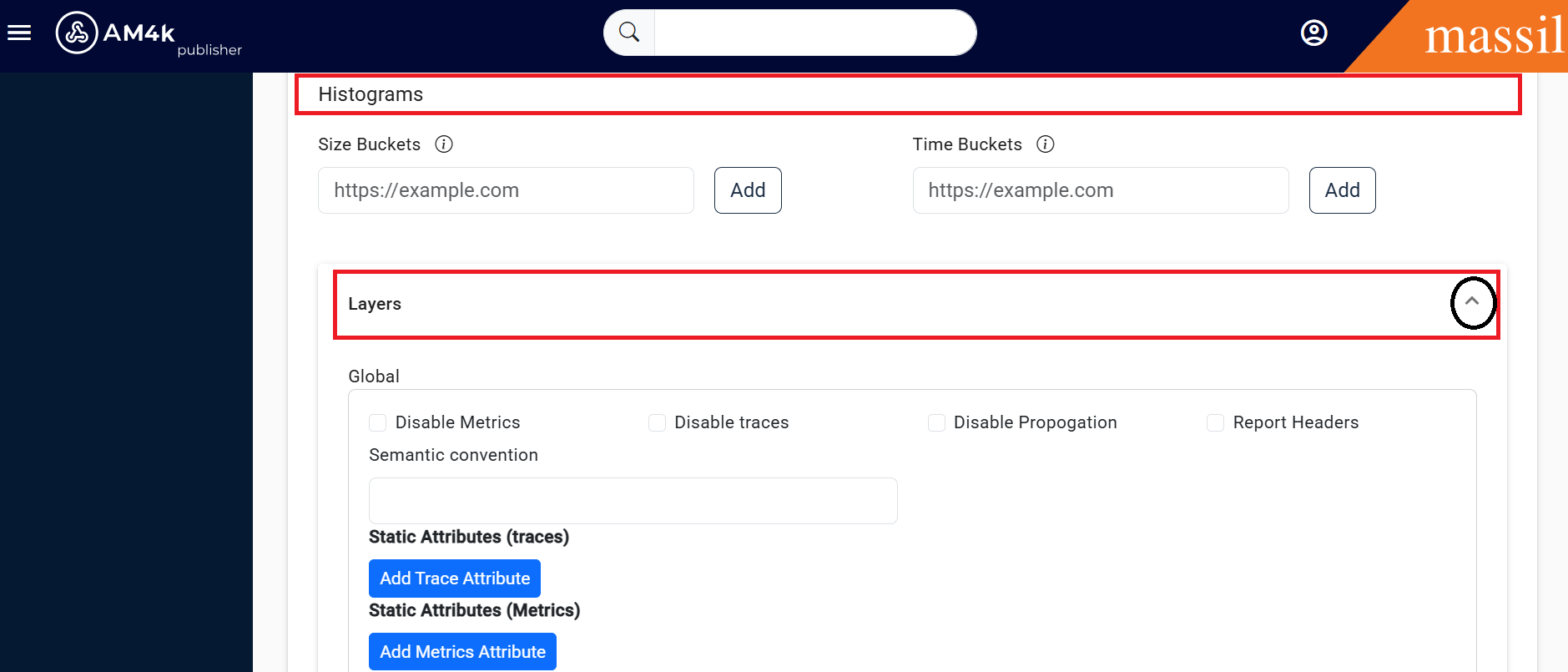
histograms
size_buckets
time_buckets

global
semantic_convention
traces_static_attributes
metrics_static_attributes
disable_metrics
disable_propagation
disable_traces
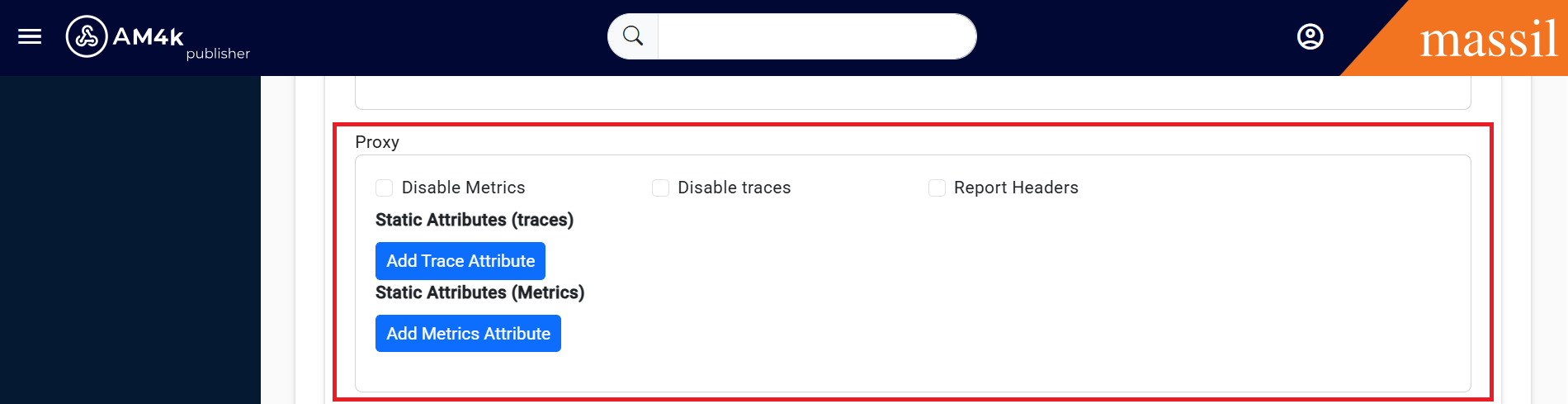
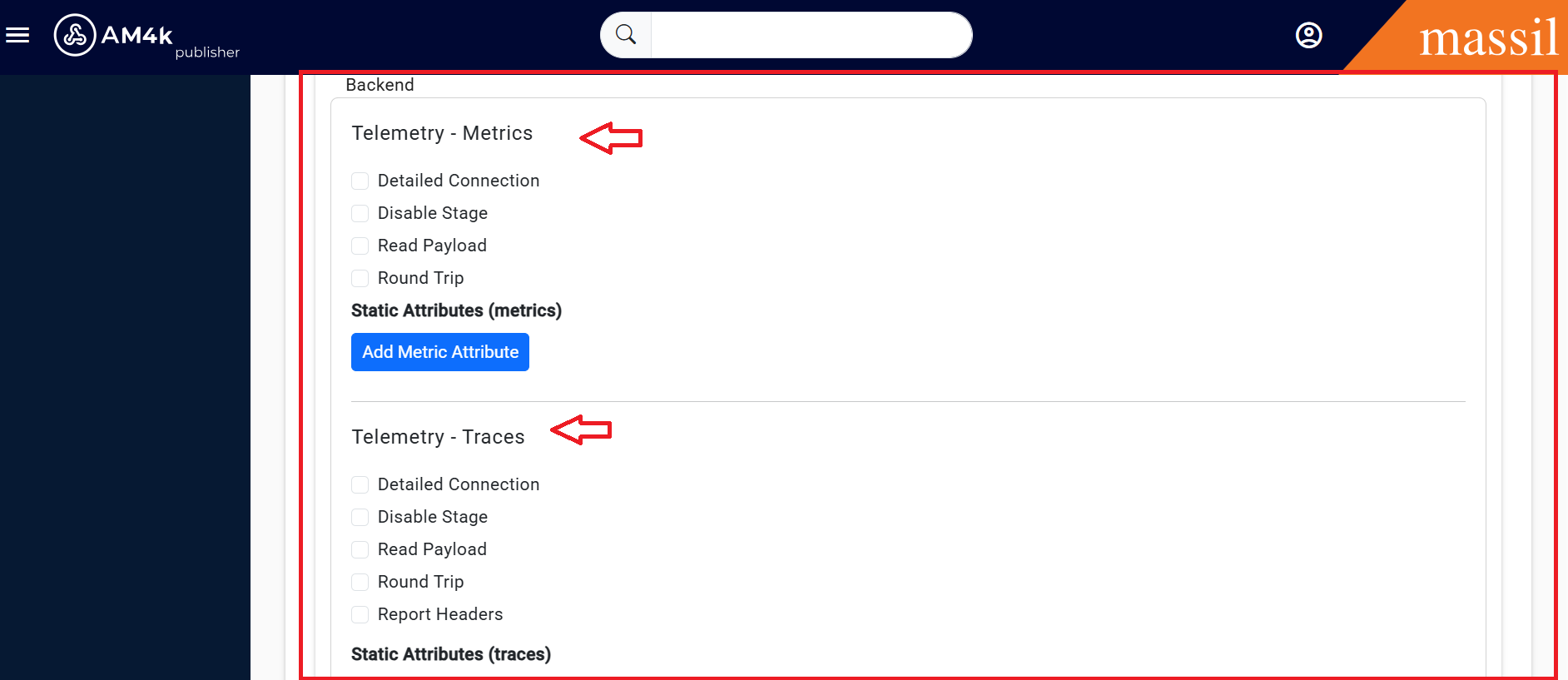
Step 3: Click on New OTLP Exporters then you will see below fields.
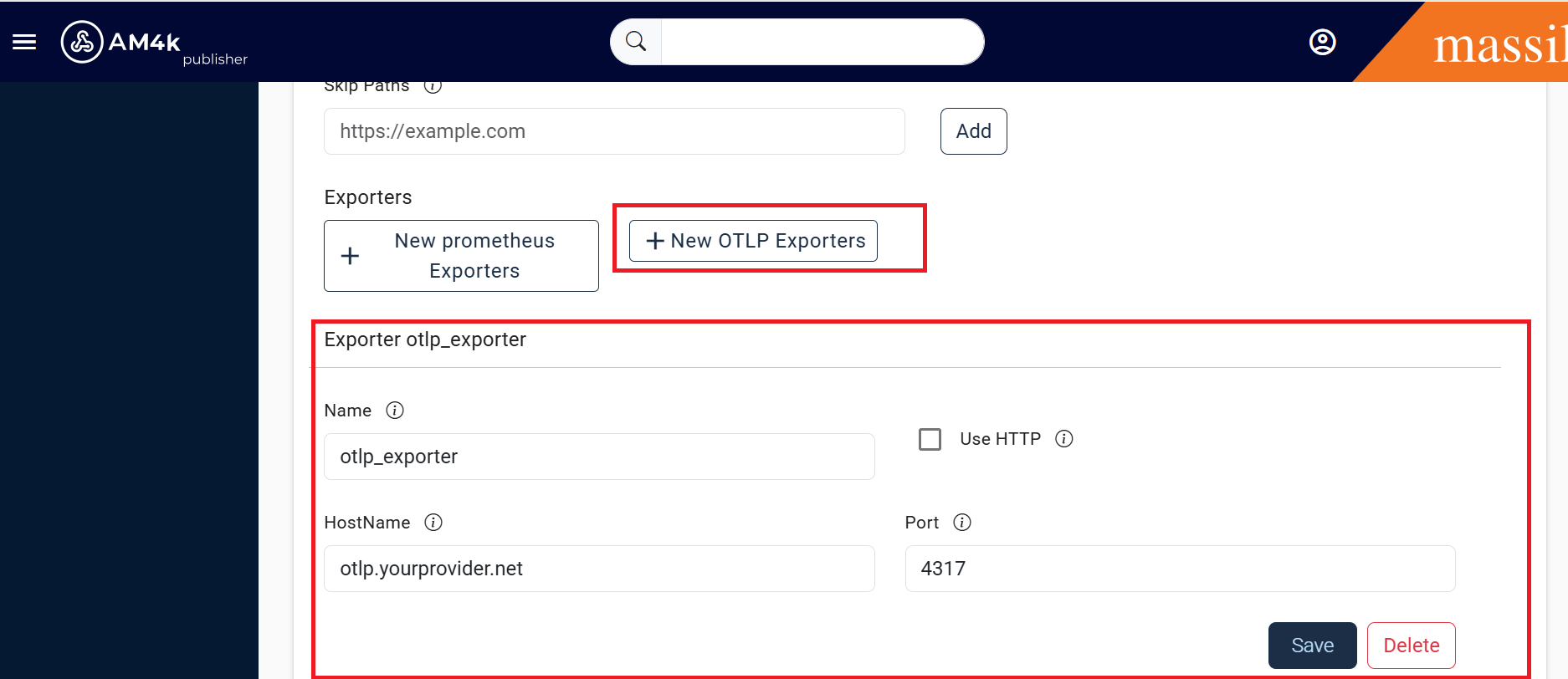
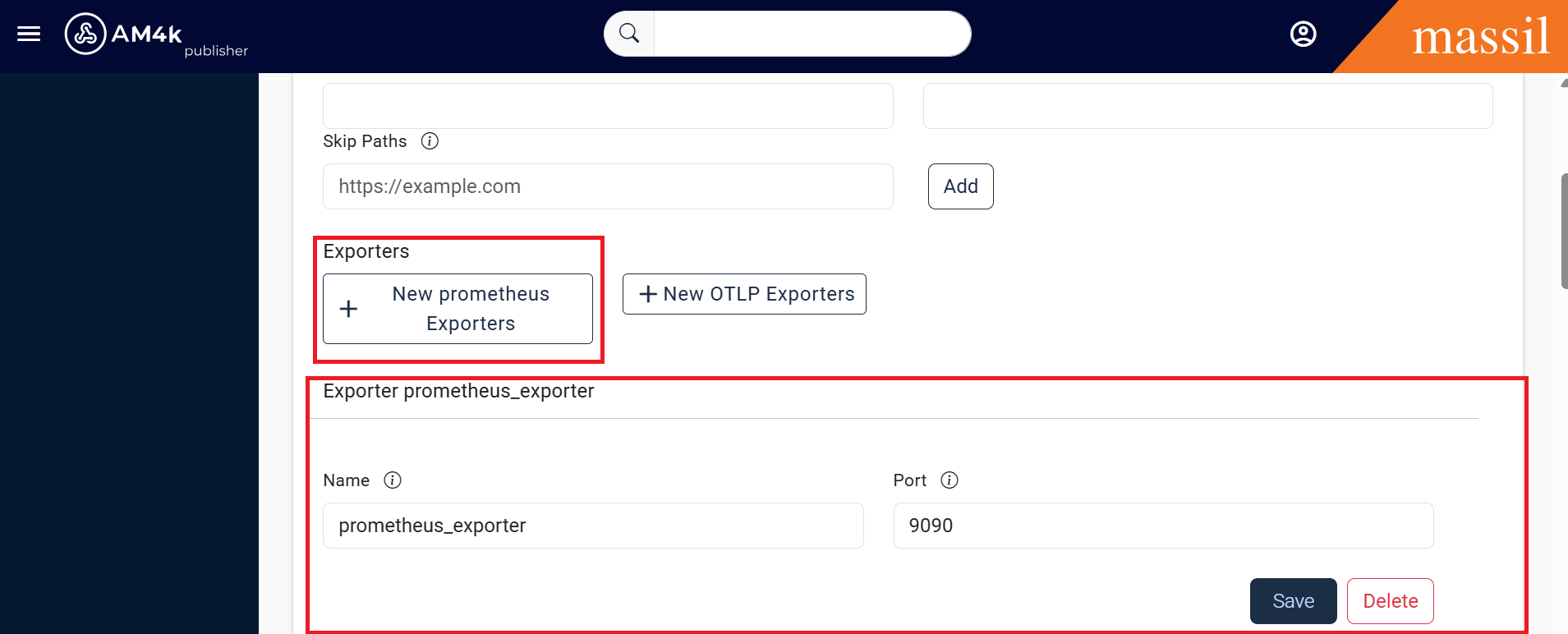
Step 4: Click on New prometheous Exporters then you will see under provided fields as shown below.