Json Schema Request Validation
JSON Schema Configuration
Step 1: Create an endpoint as previous we created likewise we have to create endpoint
Step 2: For this Endpoint we have to pass the json schema to pass the json schema
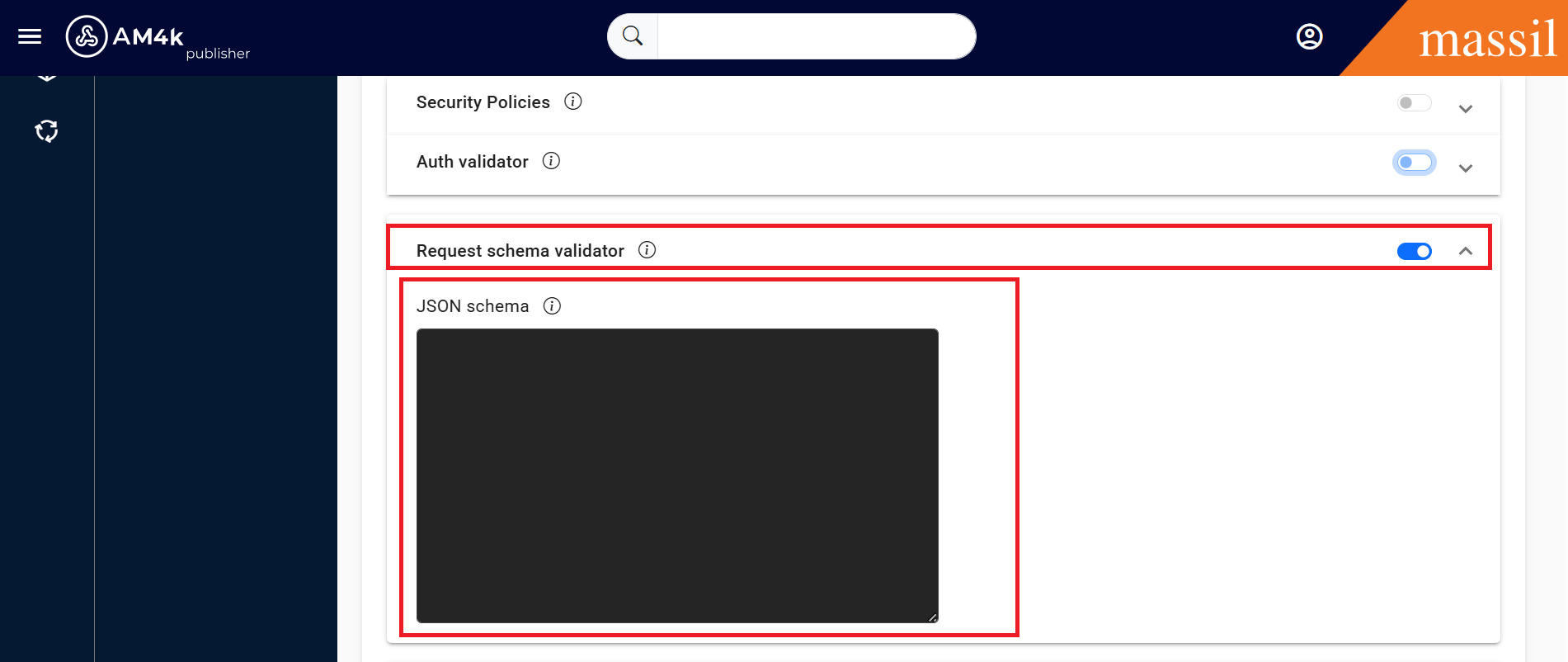
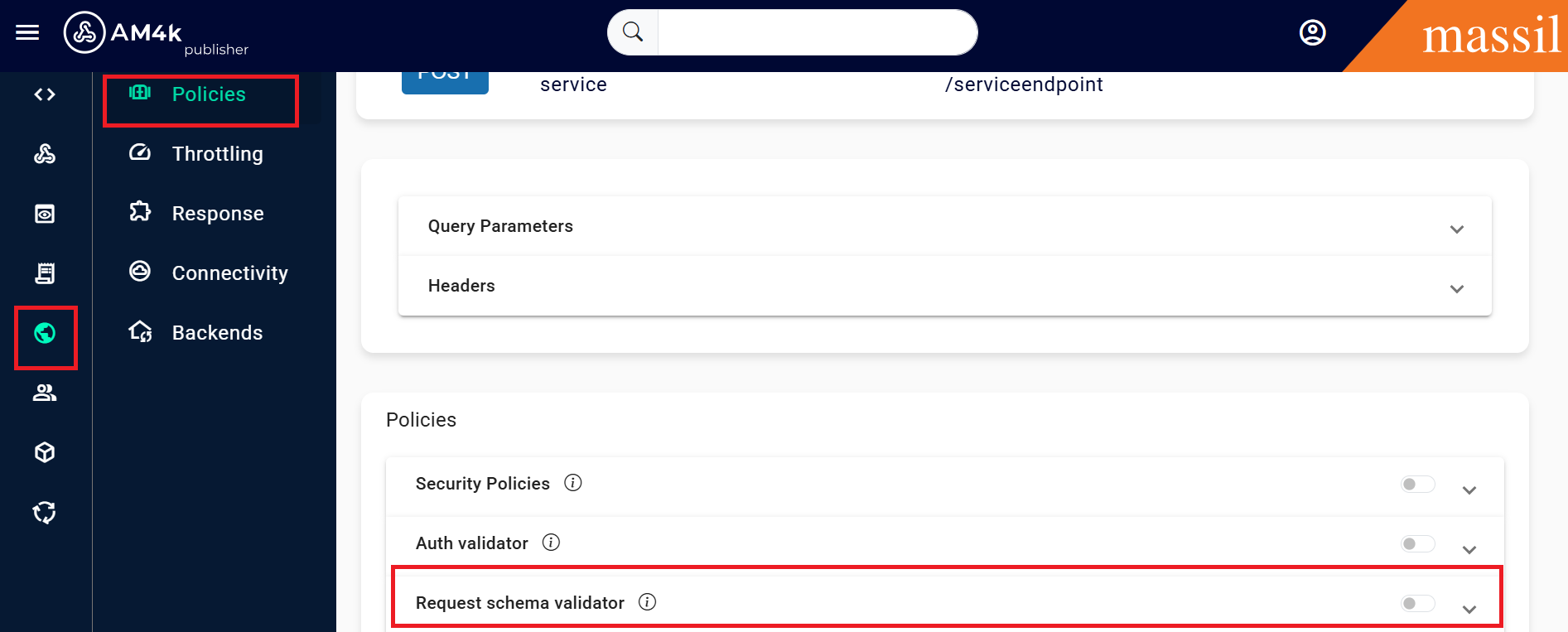
Step 3: Click on endpoint open policies below we can able to see Request Schema Validator enable it.
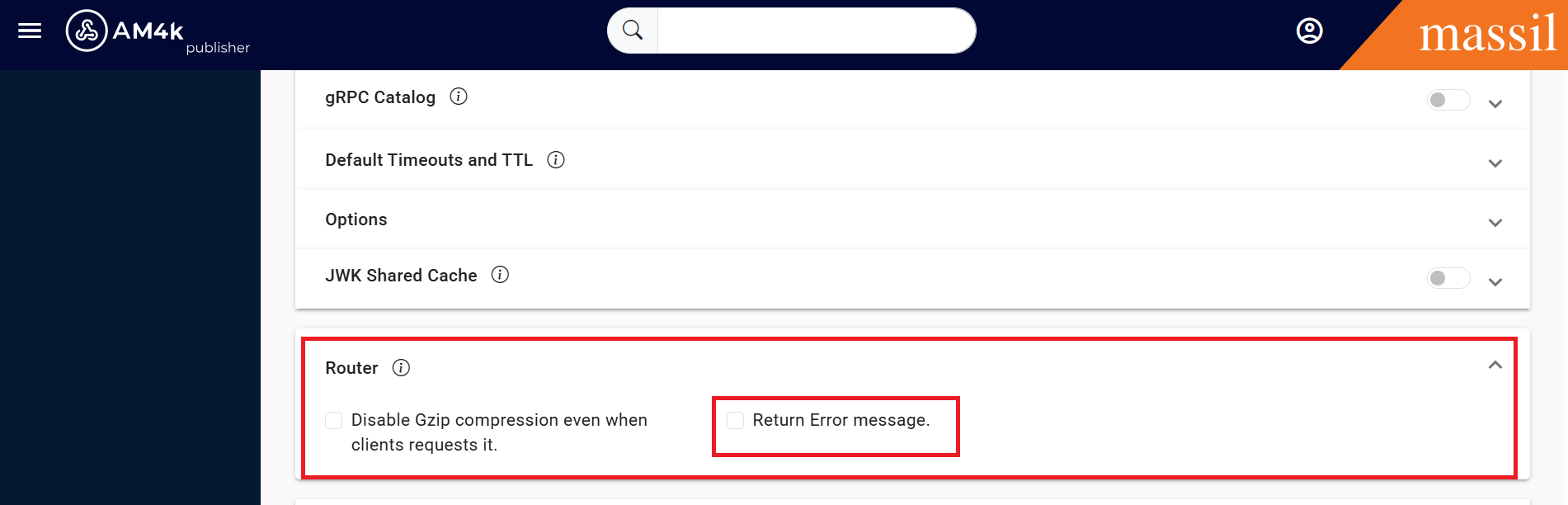
Returning the error message
The default (and recommended) policy of KrakenD is to hide implementation details to the API consumers, and when a JSON schema fails, the gateway returns the 400 HTTP status code and no body.
Still, you can show the JSON schema error message to the end user by enabling the return_error_msg in the router options.
Step 3: Go to service settings in that we can see Router theiwe we can see two checkboxes click on Return Error mesasage.