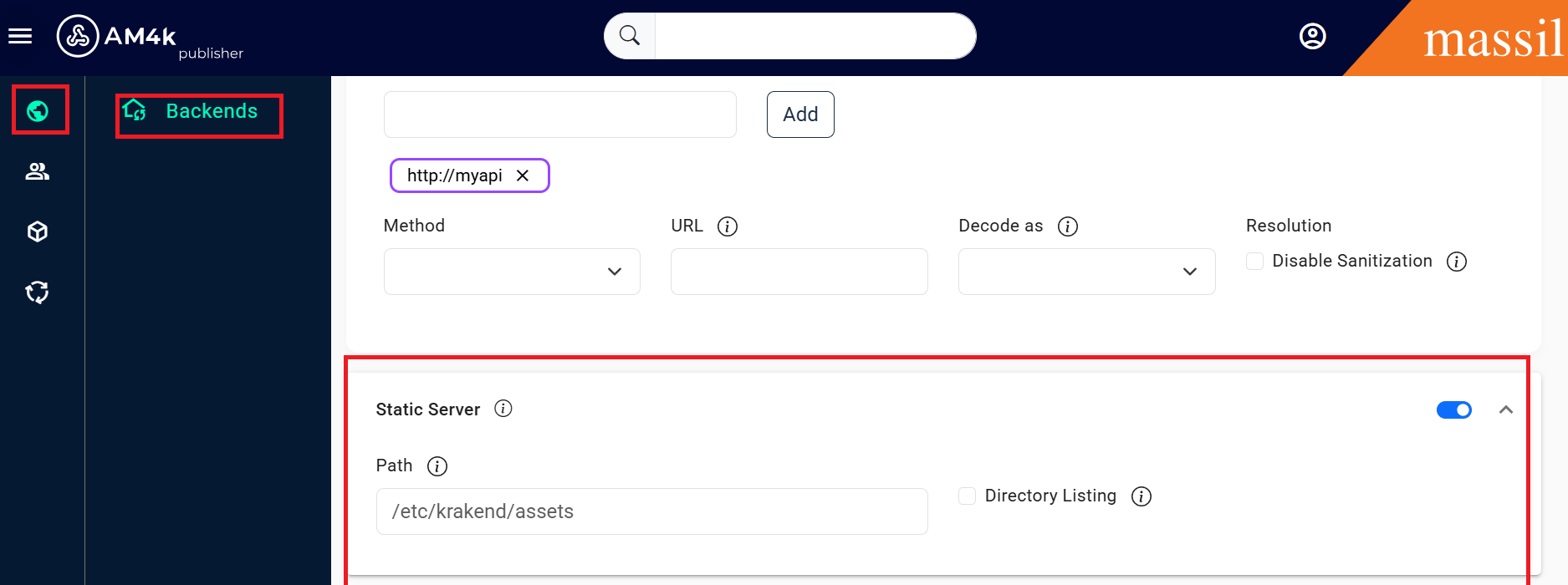
Response From File System
Serving Static Content
Notice the two possible usages of this component
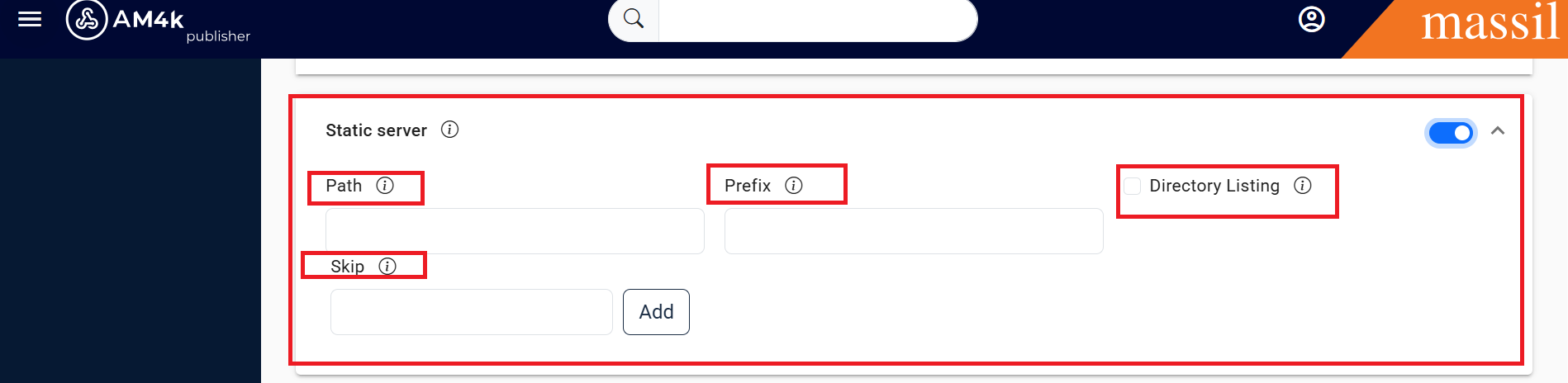
When used globally at the service level (server/static-filesystem), the component registers itself as a static web server for a set of defined paths. Whenever users request a recognized starting path (the prefix), the component tries to return the requested resource (CSS, JS, images, or JSON files, to name a few examples).
Conversely, when the component is used in a backend (backend/static-filesystem), the content is treated as a regular backend that gets the content from the disk instead of a remote server, and you can use it to mock data.
Configuration as a static service
Step 1: Click on Service Setiings unser that we have static server enable it.
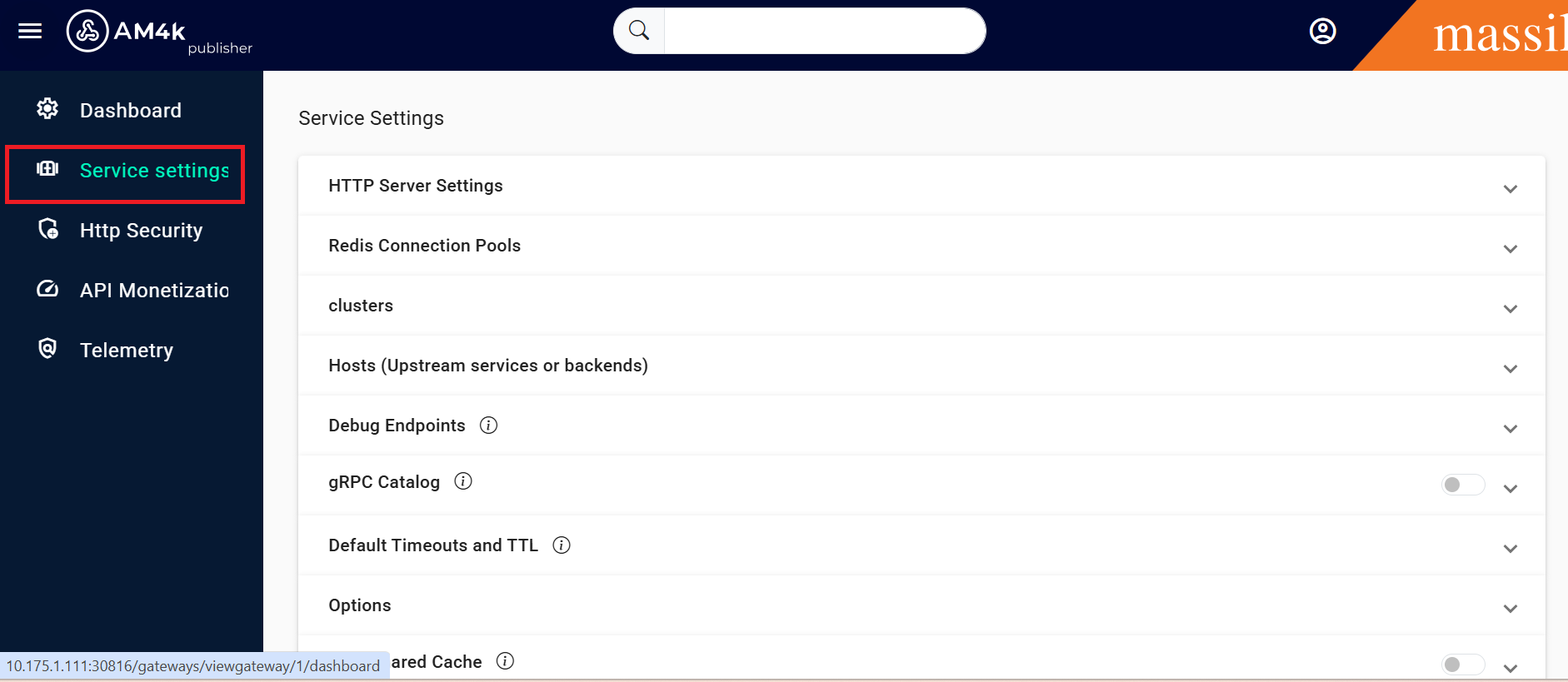
Fields of Static Filesystem
Step 2: You can see the fields as provided
Static content as a backend
When the component is used inside a backend (backend/static-filesystem), fetching the static content does not happen until the matching endpoint is called. In this scenario, the returned static content is to be consumed by KrakenD.
The endpoint’s configuration decides if the content ends up returning to the end-user “as is” (using no-op) or if the content is part of a larger response and needs to be parsed in conjunction with other backends’ response (e.g: json encoding)
Configuration as static backend
This is the most useful way to use the component, as it gives more flexibility and you could even add authorization, rate-limiting and many other features. To use it, include in the extra_config the namespace "backend/static-filesystem". Your backend
section needs the following entry:
Step 1: Create an Endpoint with given object
{
    "endpoints": [
      {
        "endpoint": "/media/*",
        "backend":[
        {
            "url_pattern": "/",
            "host": ["http://ignored-host-field"],
            "extra_config": {
                "backend/static-filesystem": {
                    "path": "./media-files/"
                }
            }
        }
        ]
      }
    ]
}
Fields of Static Filesyste
Step 2: Open endpoint Go to the backends click on request under that we can see static server enbale it we can able to see shown fields