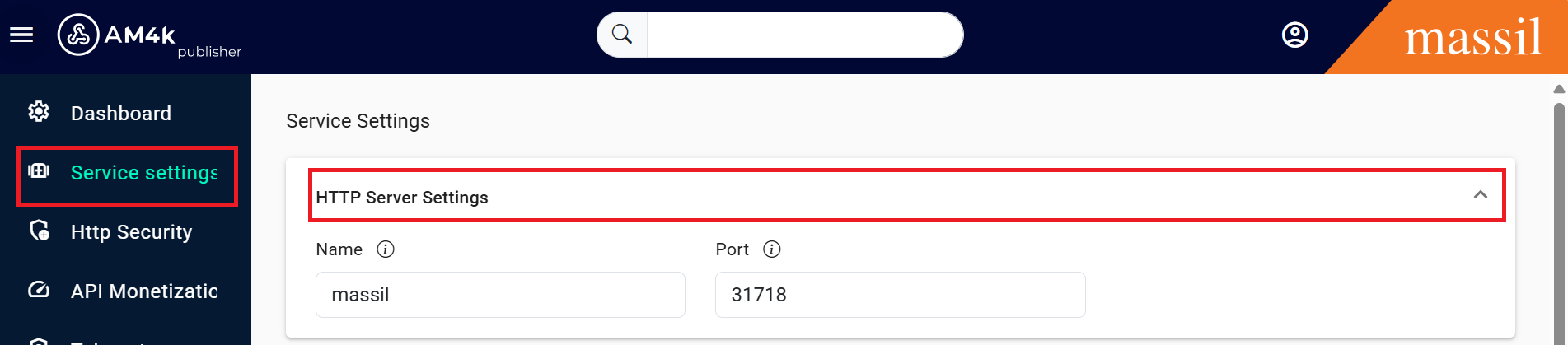
HTTP Server Settings
We call service settings those parameters that allow you to change how KrakenD behaves globally (and not to a specific call). They determine how you start the HTTP server
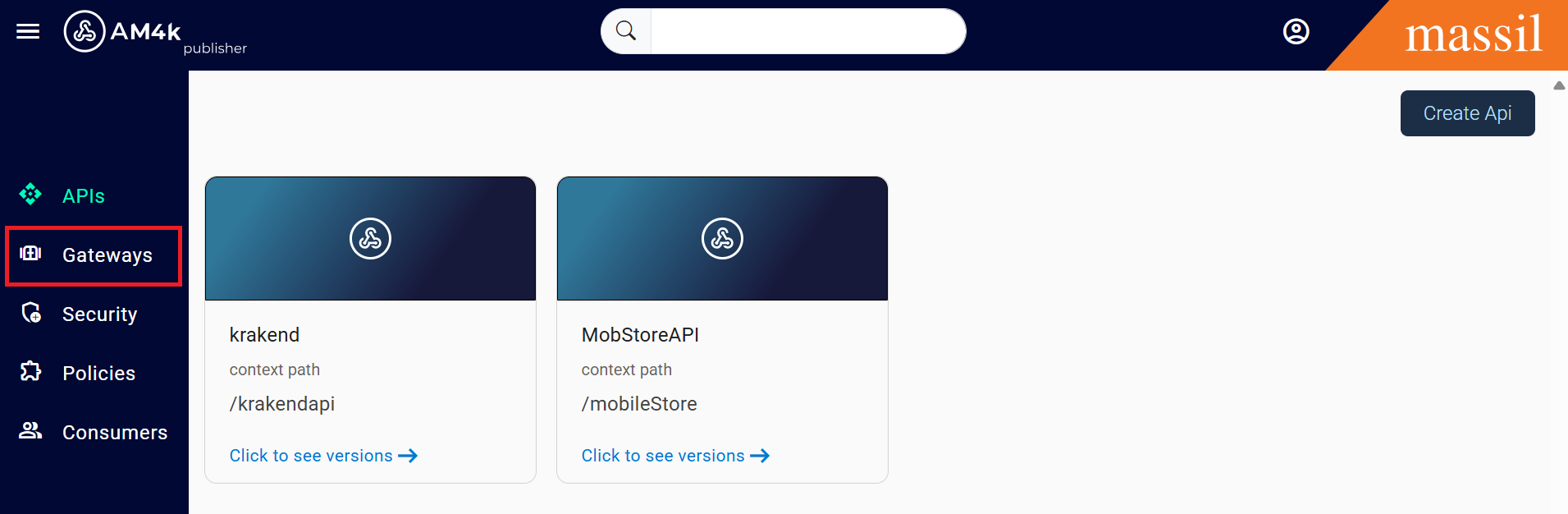
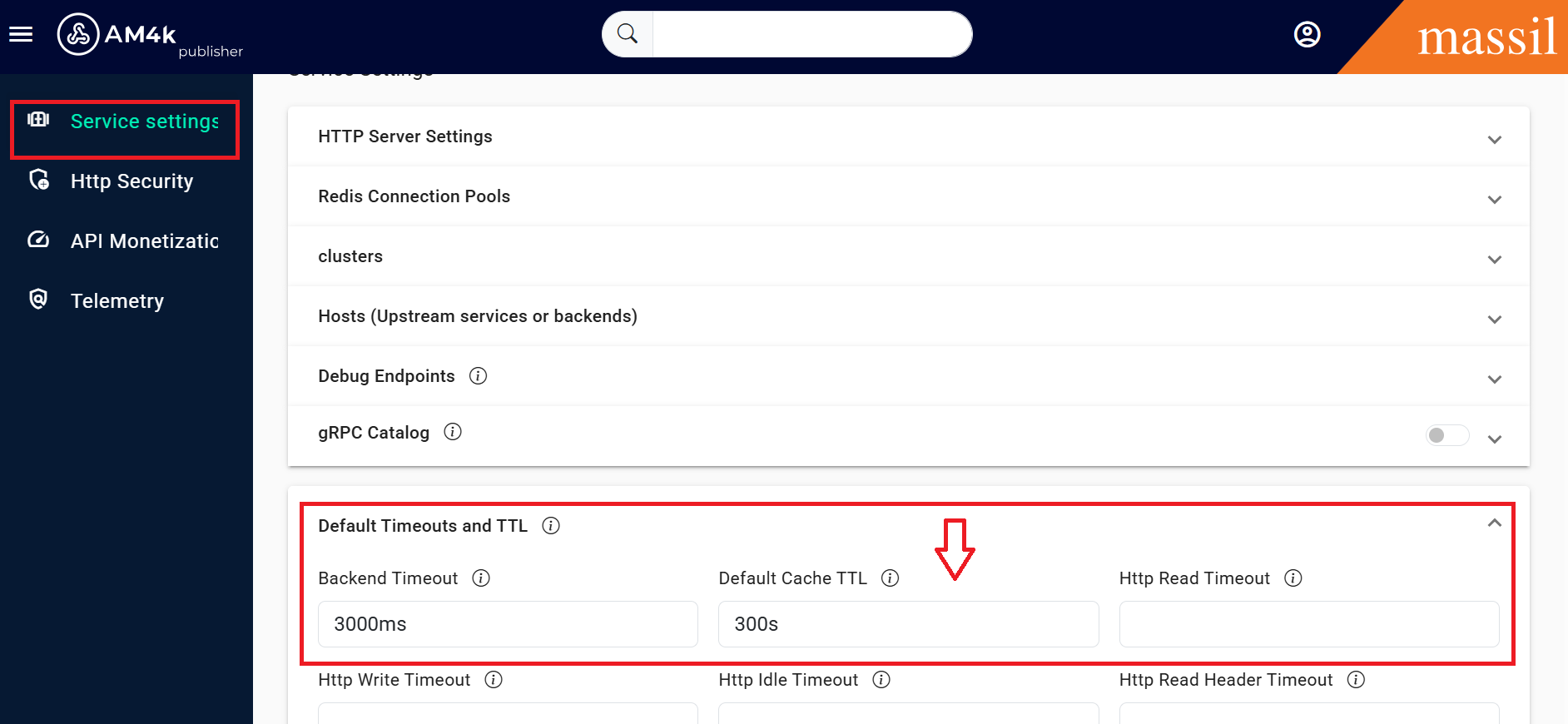
step 1:Click on Gateway open the Gateway here you can see leftside of bar service settings click on it.
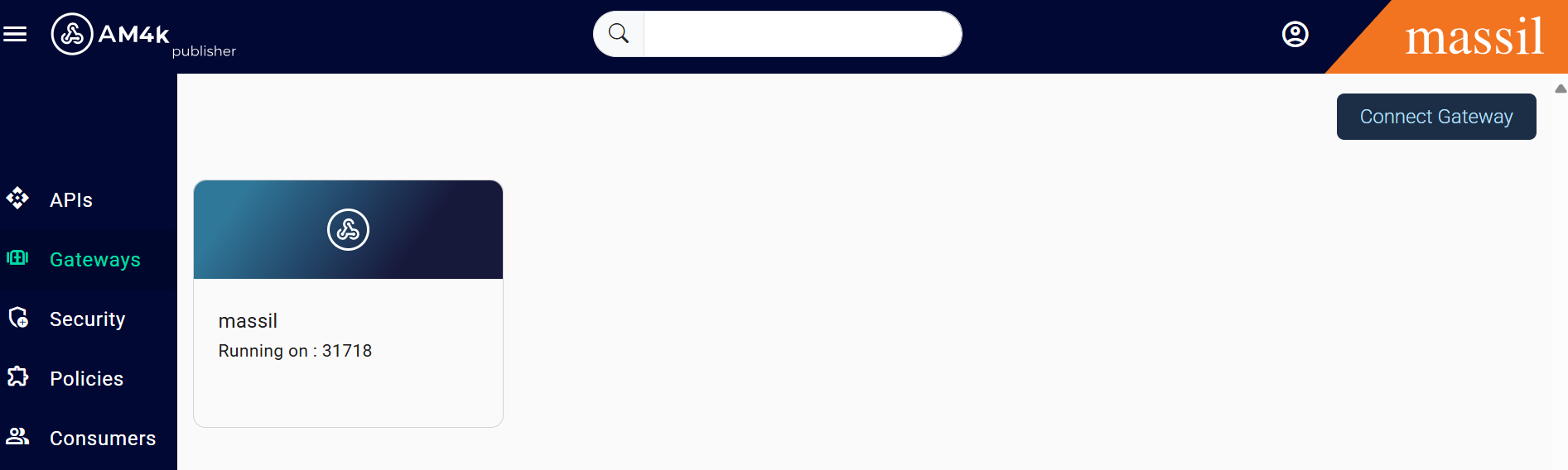
step 2: As shown below images you can see the HTTP Server Setitngs
Cache_ttl
Step 3: For Cache_ttl you can see below image below the HTTP Server Setitngs it can be visible Default Timeouts and TTL
endpoints
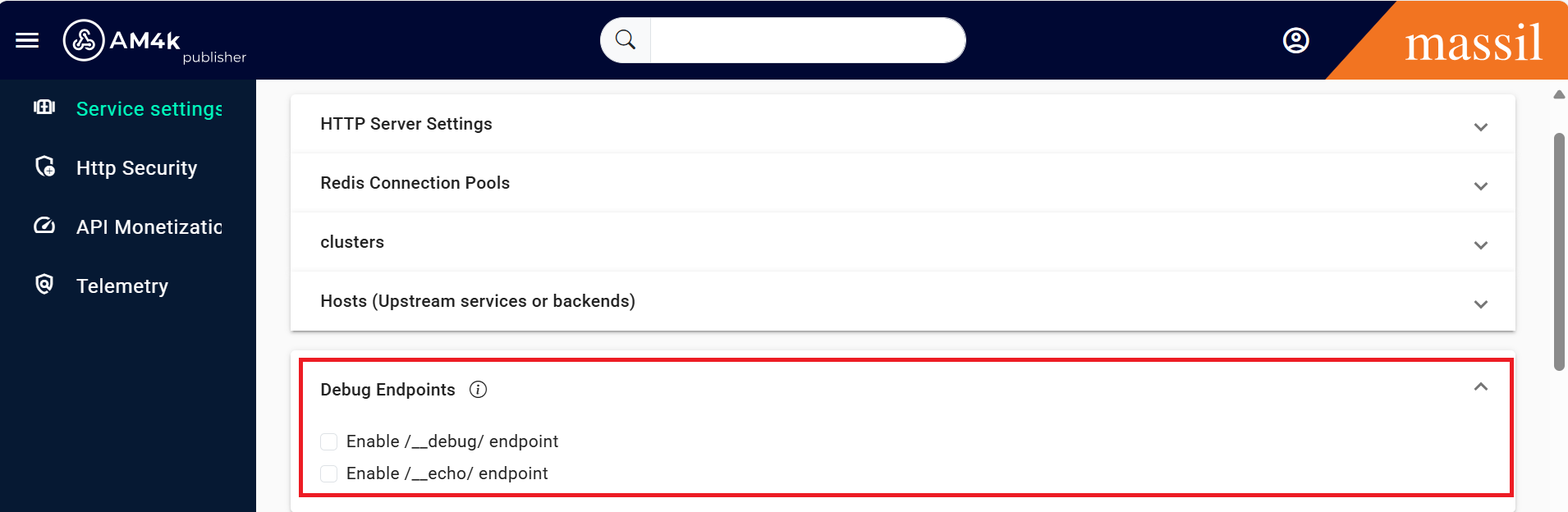
Step 4:You can see as shown below image
extra_config
The optional configuration that extends the core functionality of the gateway is specified here
output_encoding
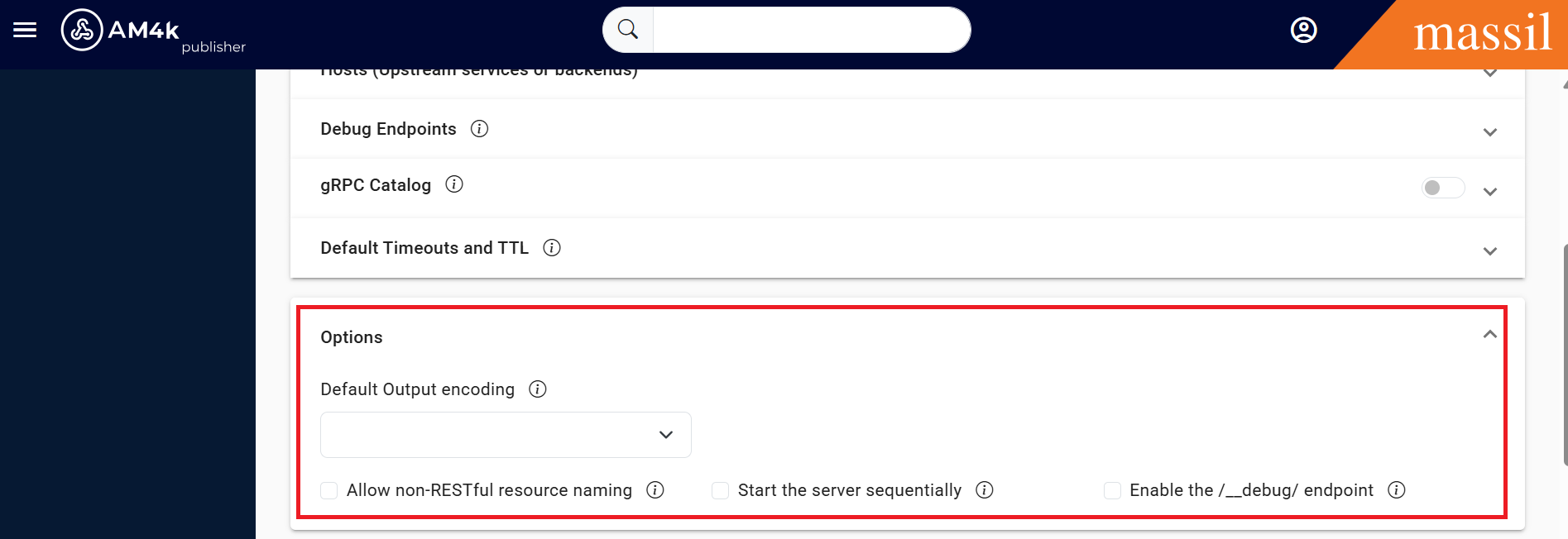
The encoding used to display the content to the end-user. This setting is the default for all endpoints, unless they have another output_encoding overrinding this value.
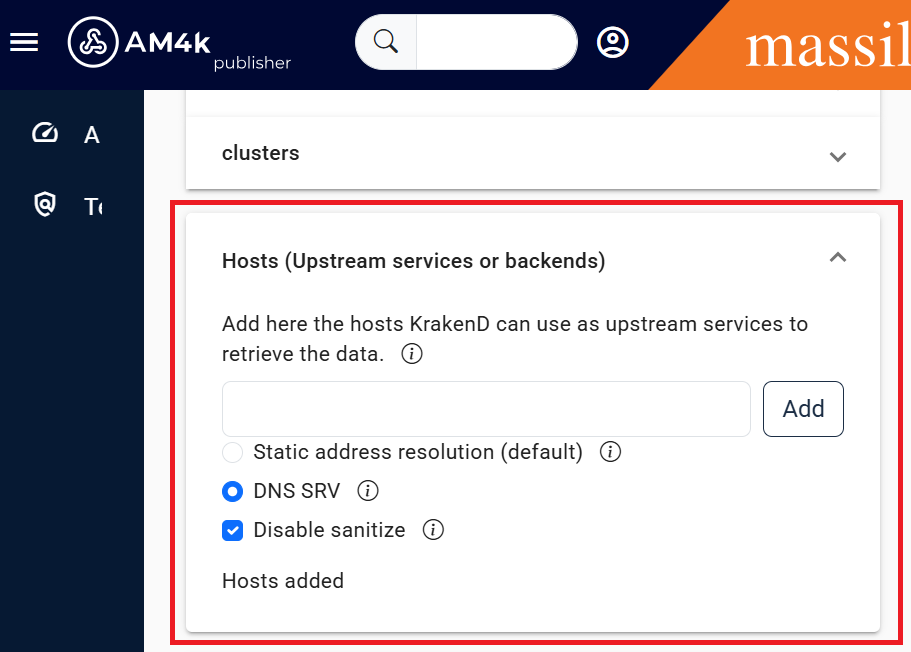
host
The default host list for all backends if they specify none.