Creating Rest API From Open API
Testing the backend
Step 1:Let's first test the backend. You could do following curl command and you will get a response with schedule items.
Step 2: Expose the API through AM4K
-> Select Create Api

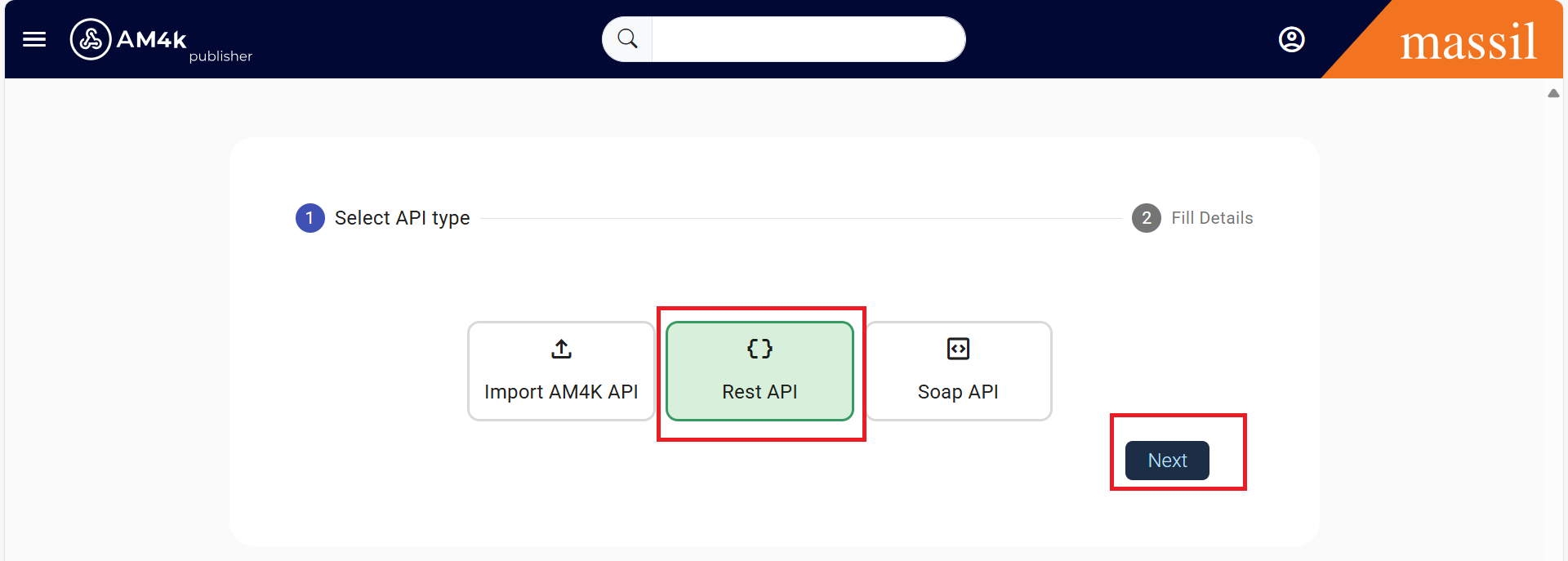
Step 3.Select RestAPI under Create API Section and click on save.
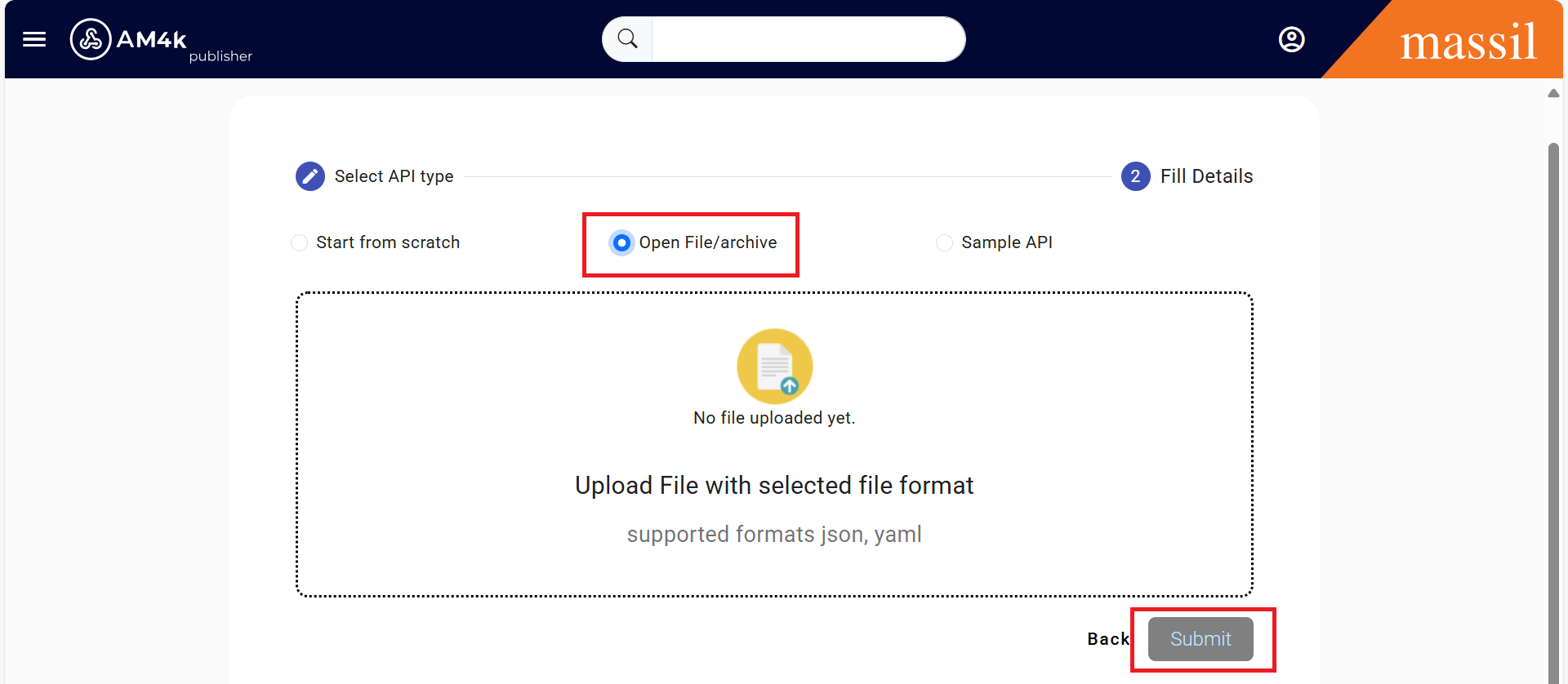
Step 4.Select OpenAPI File/Archive radio button and import the coltrain-public-openapi.yaml definition from /resources location.
Step 5.upload the Open API file and then click on submit.